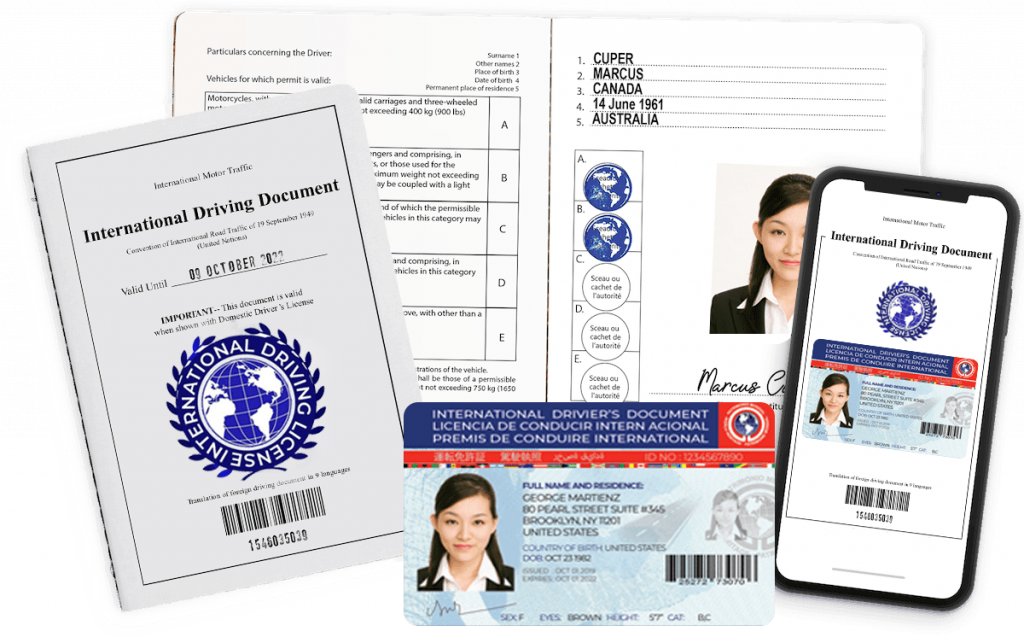
You’re just a few steps away from having your International Driving Permit (IDP) on the way. Use the form below to choose your package and submit your application — it only takes a few minutes, from anywhere in Canada.
Before You Begin
Have the following ready so you can complete the form in one go:
- Your current, valid Canadian driver’s licence (you’ll upload a photo or scan)
- A recent photo of yourself, facing forward, without a hat
- Your personal details: full name, date of birth, and province or territory of residence
- A way to sign electronically (mouse on desktop, or finger on mobile/tablet)
- Your billing address, and shipping address if you’re ordering a printed package
Step 1: Choose Your Licence Package
Select Digital Only, or one of our Print + Digital bundles (1-year or 3-year validity), all priced in CAD. Not sure which is right for you? See our pricing page for a full comparison.
Step 2: Upload Your Picture
Upload your photo and a copy of your current driver’s licence, then provide your electronic signature.
Step 3: Shipping & Payment
Enter your billing details and, if applicable, a shipping address for your printed booklet and ID card. Choose a shipping speed, then complete payment securely in Canadian dollars.
What Happens After You Submit
Our team reviews your application and documents. Digital copies are typically emailed within about 2 hours of a complete submission. Printed packages are shipped according to the delivery option you selected.
Questions Before You Apply?
Take a look at our requirements guide, our step-by-step process overview, or our list of recognized countries if you’d like more information before getting started.